Your agents are working on overlapping tasks, say on two features for the same project. Agent A has a message for agent B. Until now, you had to play the postman, with copy and paste. That is over.
When a site deliberately locks you out, that is its good right. But most of the time the operator only wants to keep out the big bot farms, the ones whose traffic causes real trouble. Your agent, with its handful of requests, causes none of that trouble, yet it lands in the same filter and gets swept up with them. The reason lies with the agent's browser: to any simple bot check, a default Playwright launch looks like a suspicious machine. The fix is your own, dedicated Playwright MCP that behaves as normally as a human's browser.
Vibe coding is either an insult or a compliment, depending on whom you ask. I have built an entire product this way, and my take is: it is both, just never at the same time.
If the answer is "too often", this article is for you. Loop engineering takes that "keep going" off your hands: you write down once what should happen and when it is finished, and a loop takes care of the rest.
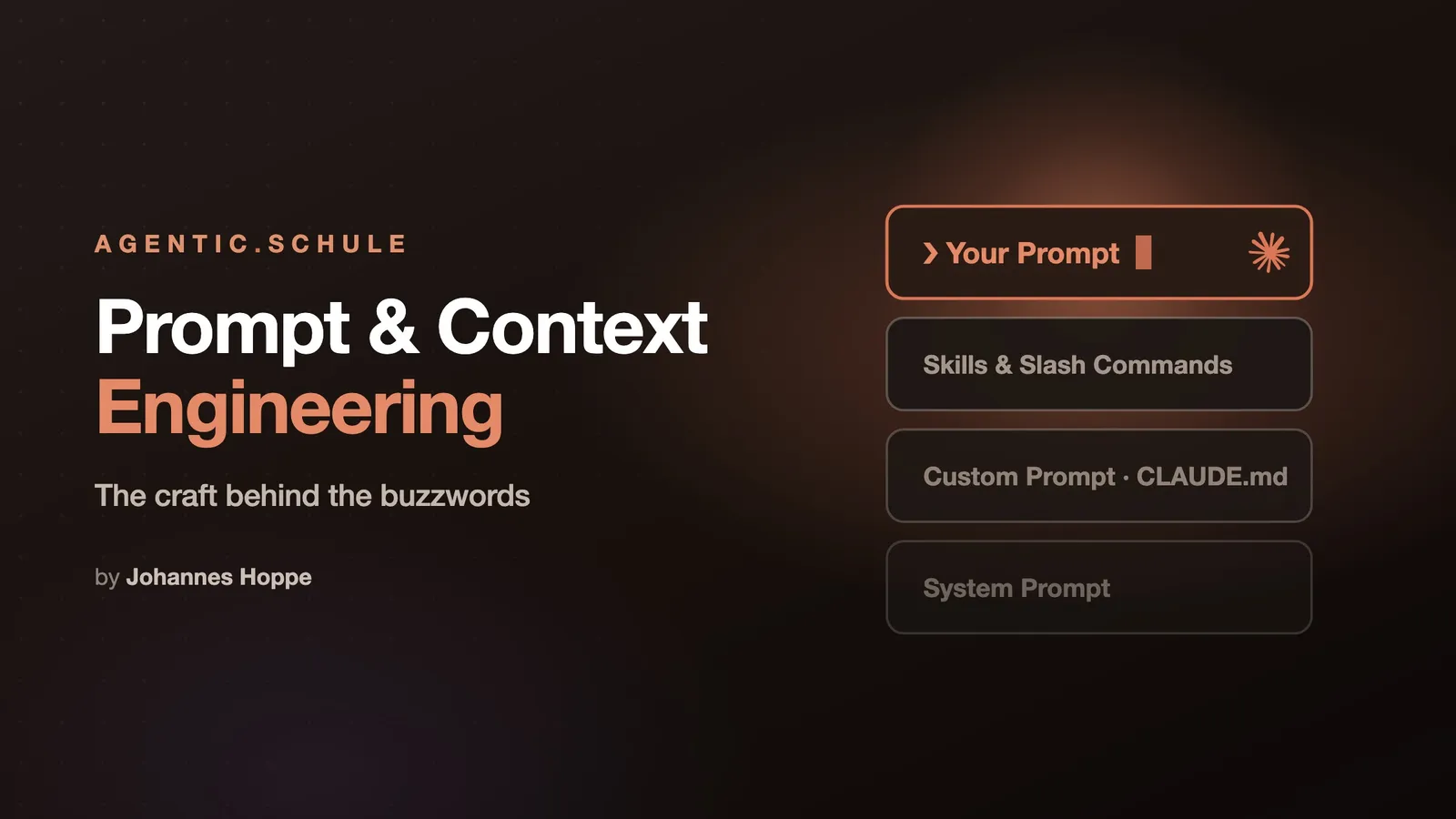
Garbage in, garbage out: hardly any phrase from computer science fits language models better. What the model gets to see determines what comes out. We don't want garbage. So let's look at what makes good prompts and good context.
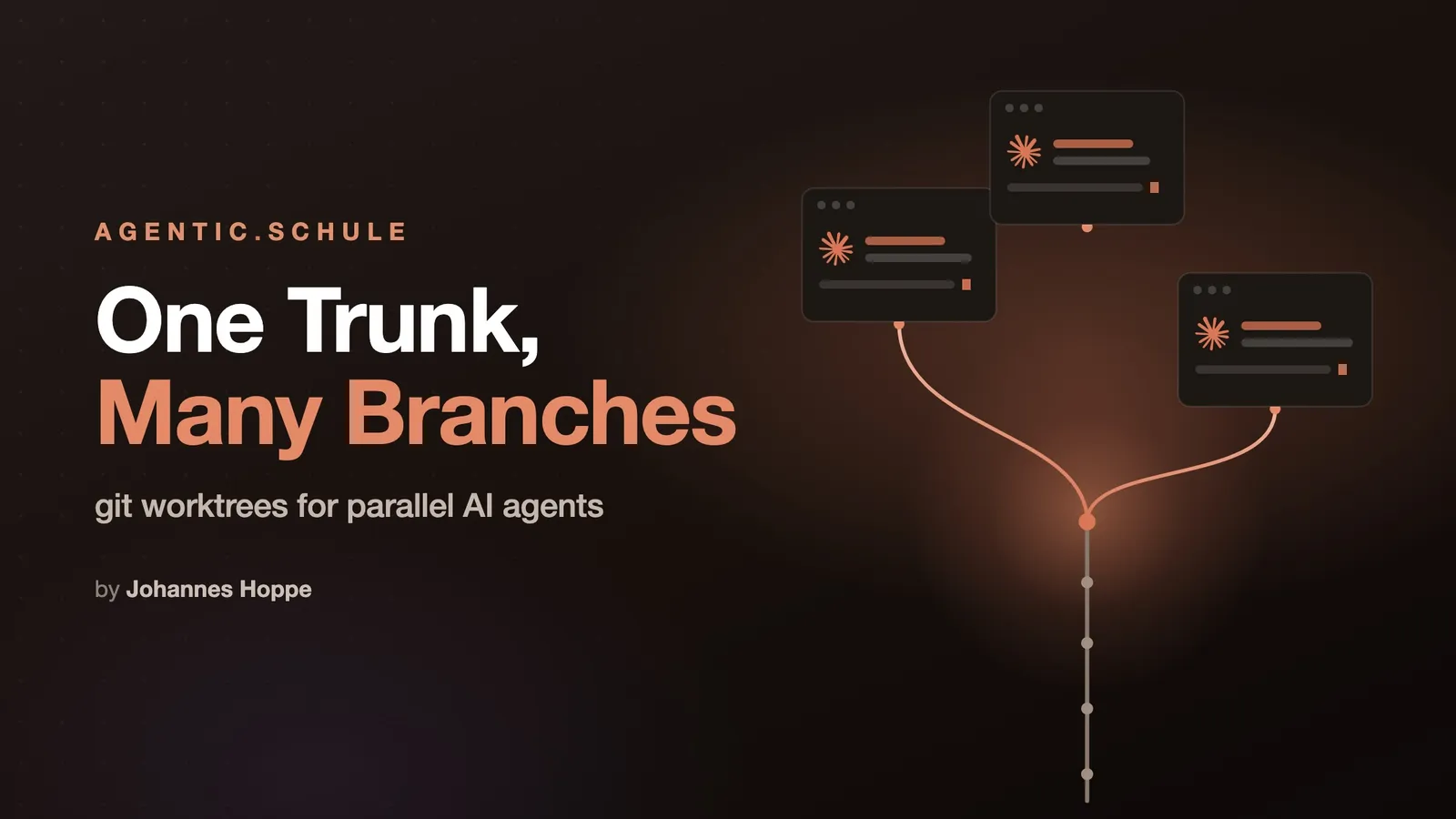
In classical software development, isolation came for free: one developer, one personal computer, one checkout. Every coding agent today assumes just as naturally that the working directory belongs to it alone: it reads files, changes them, runs builds and tests, and its subagents do the same in parallel. Okay, I can't really say whether every agent behaves this way. But my Claude Code, at least, is a little Rambo without etiquette. Now, though, many of these agentic developers romp around on the same computer at the same time, and as soon as two of them claim the same directory for themselves, you quickly end up in a tangled mess: two agents editing the same files, tests checking states that should never exist, and in the end nobody knows which diff came from whom.
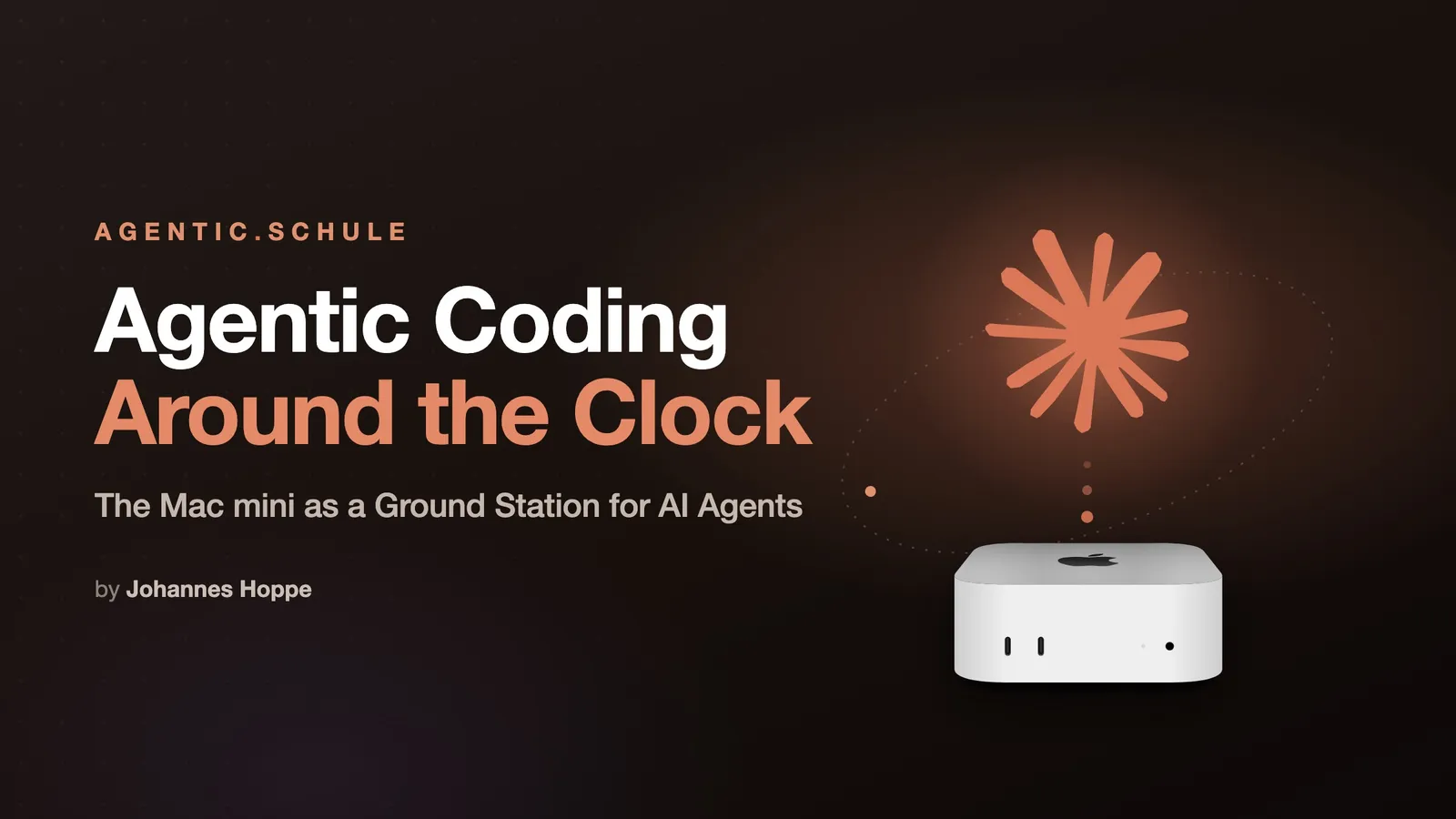
Agentic Coding works differently from a chat window: you set the direction, and the agent reads code, writes files, runs tests, and plans the next steps on its own. Such runs take time: minutes, sometimes hours. And that's exactly where things clash with a laptop that you fold shut, carry into a café, or send to sleep on the train.
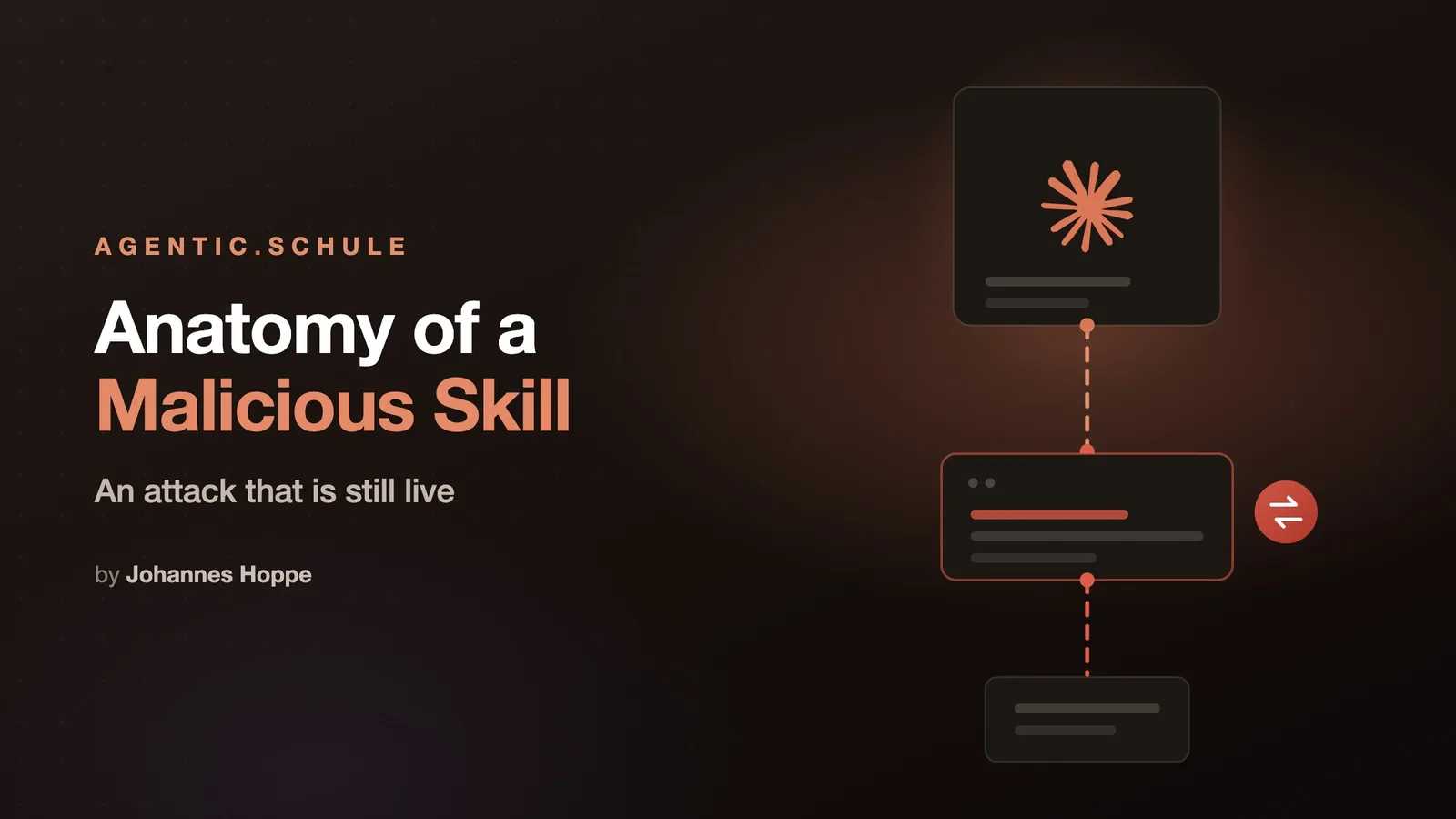
A skill is a text file. That is what makes it so useful and, unfortunately, so dangerous. Installing a skill hands your agent an instruction that it carries out with your permissions. And that instruction may well read: "Fetch the remaining instructions from this address."
There has never been a better time to build software.
AI agents like Claude Code have fundamentally changed my workflow – I write better code in less time.
In this article, I will show you how it works.
Whether you have been developing with Angular for years or are just getting started: the barrier to entry has never been lower.
Software projects are becoming more complex, and requirements are increasing.
AI (Artificial Intelligence) tools can support us in development and provide relief: They help with generating code, explain complex relationships and suggest improvements.
In this article, we show you how to generate the best possible code using Angular's AI tools.